One of my favorite articles on Wikipedia is called Timeline of the far future. The entire article is a gigantic table of events that are predicted to occur at various points in the future, based on our current understanding of everything including the environment, geology, physics, and ultimately cosmology and the fate of the universe.
Every single item in this huge table is fascinating to me, and every item can be a jumping-off point into a rabbit hole of exploration into that particular topic. It covers everything from mundane observations about lunar tides slowing down the length of our day over the next thousand years, then sometimes veers into the realm of science fiction with predictions about humanity becoming a Type II and Type III civilization, and eventually ends up in mind-bending time scales like 101026 years when all matter will quantum-tunnel into black holes, and beyond.
The only problem with this article is the presentation. It’s so boring! The matter-of-fact, wall-of-text table of events does so little justice to the profound, awe-inspiring insights contained in it. This article deserves so much better! It deserves to be seen, to be savored.
So I decided to kick it up a notch. Being a visual learner myself, and wanting an opportunity to improve my skills with three.js and typescript, I made a “reimagined” version of this article (with the help of my favorite AI assistant), giving it the visual treatment it needs so badly. Here is my take on the Timeline of the far future.
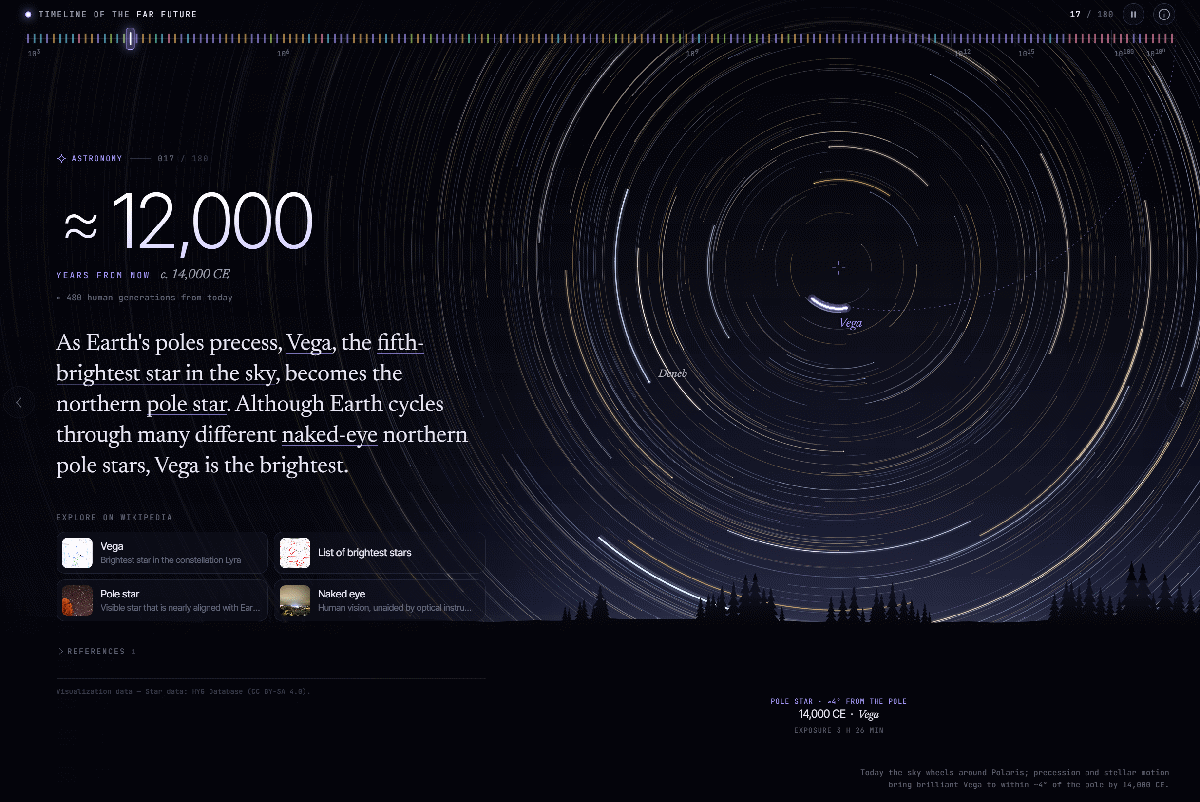
Every event in the timeline is a full-screen slide with the original text copied from the table in the article, but also includes an animation that illustrates what is being described. Many of the animations are my own artisanal code, and many are Claude-assisted but nevertheless verified to the best of my ability for accuracy and consistency.
You can scroll through the slides by scrolling your mouse wheel, or swiping on your mobile device. You can also jump to any event by selecting directly on the timeline ruler at the top.
If you want to share any of the individual slides, click the Share button at the top-right, which copies a link directly to the current slide, like this.
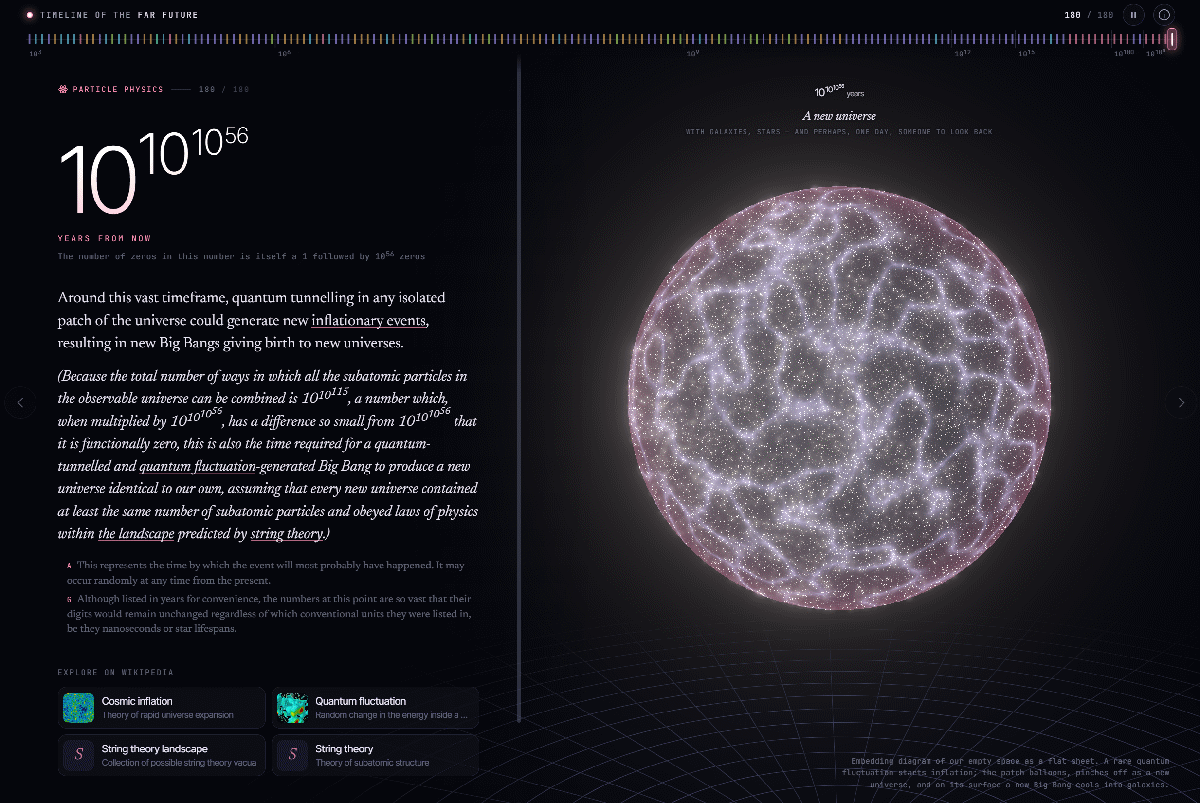
One major limitation of this presentation is that it’s based on one specific revision of the Wikipedia article. The article will almost certainly be edited in the future with new information, updated facts and figures, and many new predictions. My plan for the next iteration of this web app is to adapt dynamically to any new content added to the source article, and update the animations accordingly. Stay tuned, and as always, I welcome your feedback!