This is a master list of all the programs, utilities, and diversions that I’ve written over time. Feel free to download and use them to your liking!
 DiskDigger — Data recovery utility that scans your media for traces of lost files (images, documents, etc.), and can undelete files from FAT12, FAT16, FAT32, exFAT, and NTFS partitions.
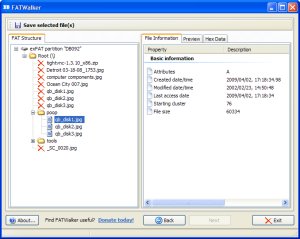 FATWalker — Utility that allows you to parse through any FAT partition (FAT12, FAT16, FAT32, and exFAT) on any media readable by your computer.
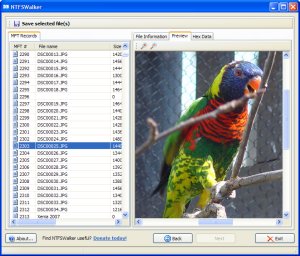 NTFSWalker — Utility that allows you to parse through any NTFS partition on any media readable by your computer.
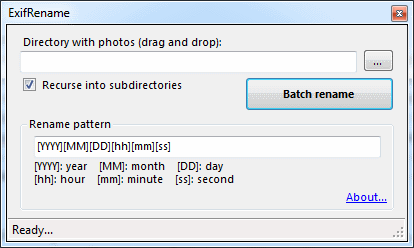 EXIF Photo Renaming Utility — A utility that renames collections of photos based on EXIF date/time tags stored in each photo, so that the photos can be sorted chronologically based on the file name.
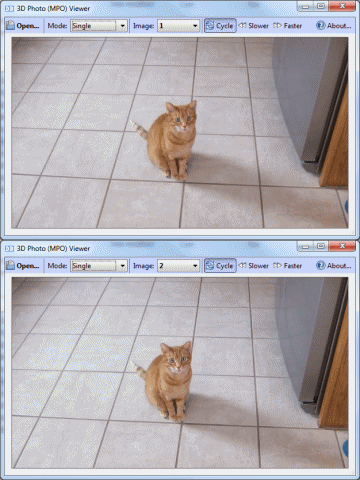 FujiFilm .MPO 3D Photo Viewer — Quick and easy viewer for .MPO photos shot with 3D cameras, such as the FujiFilm FinePix REAL 3D.
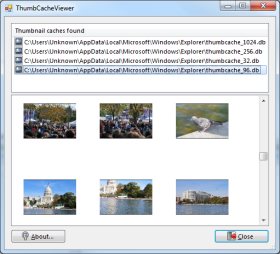 Thumbnail Cache Viewer — Utility that allows you to browse and view the thumbnail cache files in Windows Vista and Windows 7.
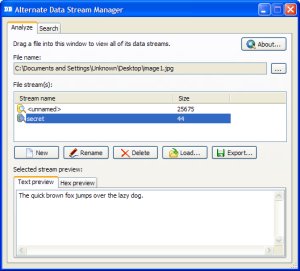 ADS Manager — Utility that allows you to create, delete, rename, and search for Alternate Data Streams in files on a NTFS partition.
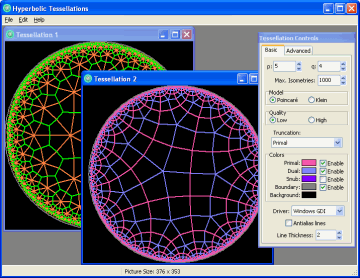 Hyperbolic Tessellations — Program that generates hyperbolic tessellations on the Poincaré disk.
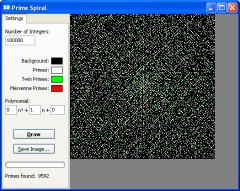 Ulam’s Spiral Viewer — Ulam’s prime number spiral viewer. Can generate extremely large spirals, limited only by your computer’s memory.
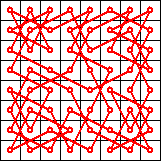 Knight’s Tour Generator — Generates knight’s tours using a neural network algorithm.
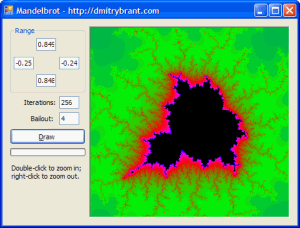 Mandelbrot Set in VB.NET — Simple Mandelbrot viewer written in VB.NET.
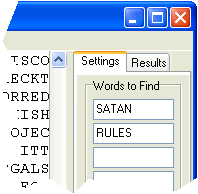 Bible Code Generator — Searches for hidden messages within large text files (such as the Bible!).
Veo Observer Viewer — Lightweight application for capturing the data stream from a Veo Observer camera.
Decoders for various image formats for Visual Basic — Several programs I wrote a while ago in Visual Basic to view different image formats not natively supported by VB or Windows.
Assembler and Linker for SIC/XE — A (relatively) rudimentary assembler and linker for the conceptual SIC/XE architecture.
JPEG Viewer for QBasic — A very ancient, yet timeless piece of code.